
JupyterHub is a web-based platform that allows multiple users to access Jupyter environments centrally – without local installation. This makes JupyterHub particularly well suited for teaching, collaborative projects, and standardized computing environments. JupyterHub provides each user with their own Jupyter instance in which Jupyter Notebooks can be run.
For local installation and usage of Jupyter Notebooks, see Jupyter Notebook.
Using JupyterHub via the MIN Faculty
The MIN Faculty provides its own JupyterHub, allowing students and staff to work directly in the browser. This eliminates the need for local installations, and everyone works in a uniformly configured environment with access to central resources.
- URL: code.min.uni-hamburg.de
- Login: Use your B-Kennung (username and password)
The Graphical User Interface (GUI)
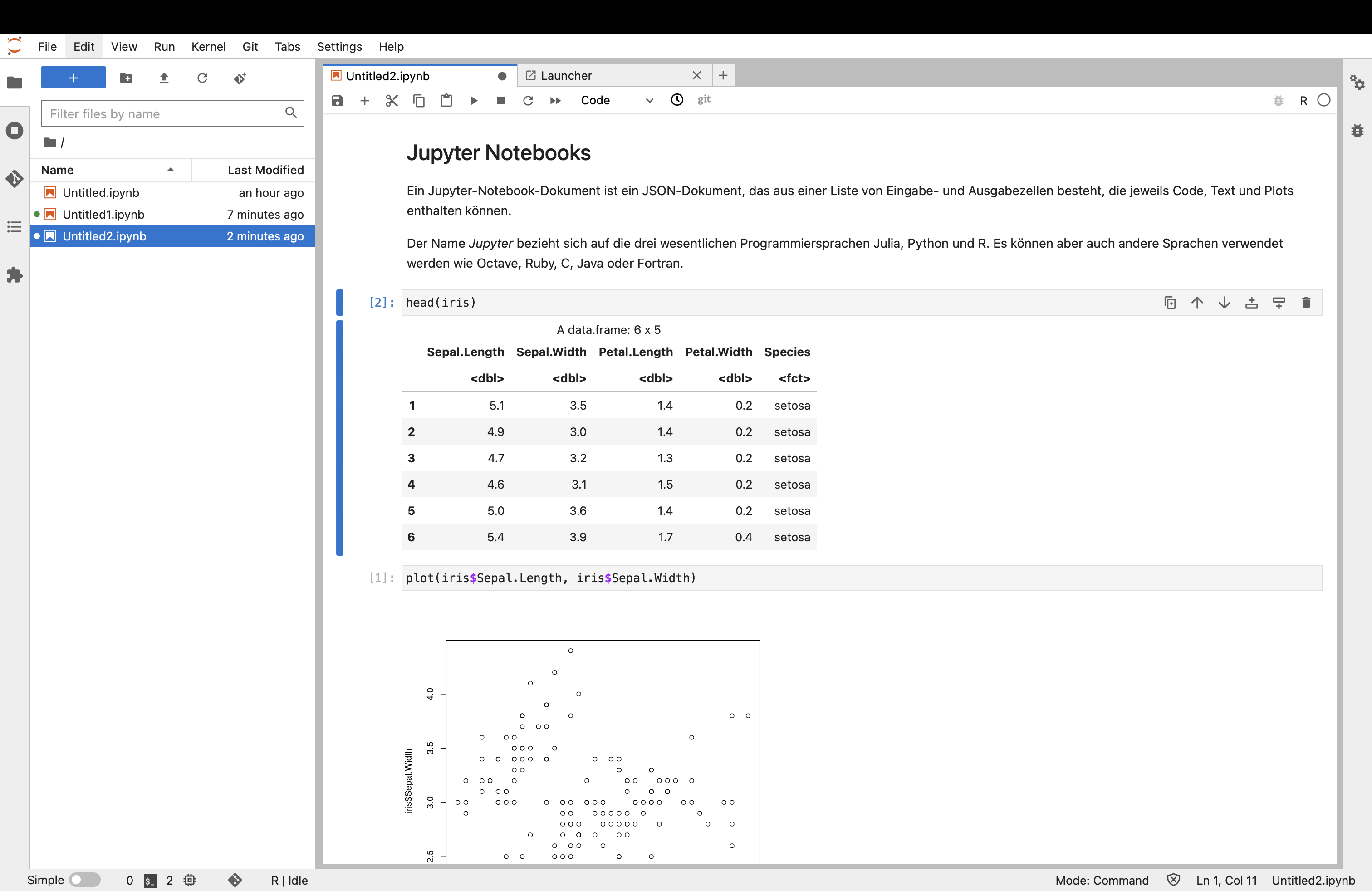
After logging in, the JupyterHub interface opens in your browser. From here, you can create, upload, and manage notebooks. The working environment is essentially the same as a local Jupyter Notebook.
Further Resources
- JupyterHub – Official website
- JupyterHub Documentation – Documentation
- MIN Faculty JupyterHub – MIN JupyterHub
- Jupyter Notebook – Local installation and usage